How to Optimize Your Warehouse Layout for Faster Fulfillment
If you could make one change to your warehouse that would noticeably improve speed, accuracy, and how your team feels at the end of a shift, what would it be? For most operations, the answer is pretty boring: fix the layout.
Travel time eats more than half of a typical picker’s shift. That is the consistent finding across most of the studies and time trials we have seen. More than half of the clock is spent walking, not picking. And unlike a new automation line or a WMS migration, fixing the layout costs almost nothing. You can often see gains within a couple of days.
This is a step-by-step on how to go about it. Whether you run a small ecom operation or a multi-facility 3PL, the same logic applies.
Step 1: Map your current flow
Before you change anything, get an honest picture of how things actually move today. Not how they are supposed to move according to the SOP binder. How they actually do.
Start by walking an order end to end. Receive it at the dock, put it away, pick it, pack it, ship it. Write down what you see.
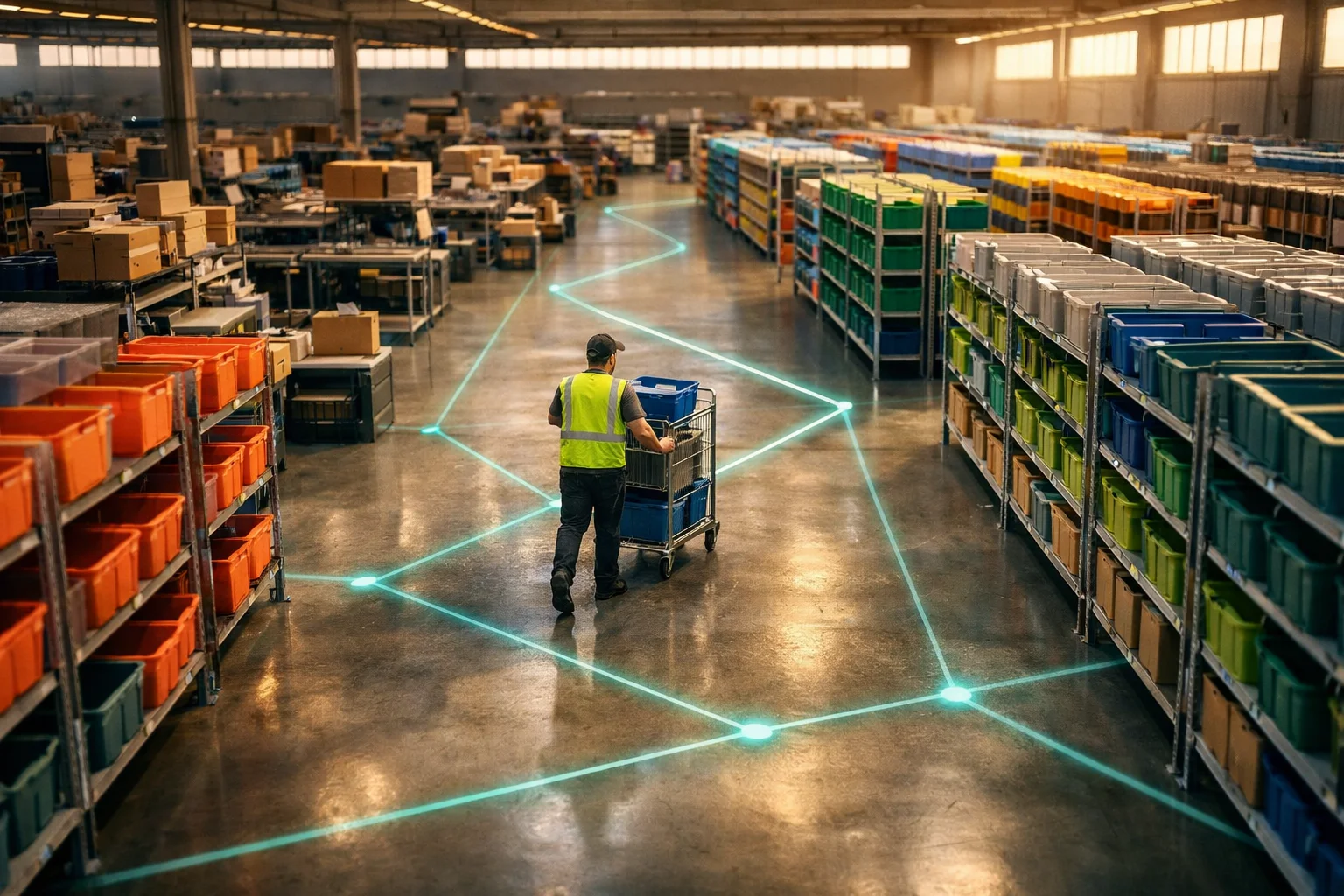
Then draw a spaghetti diagram. It is exactly what it sounds like: a floor plan with every walking path traced on top of it over a 30-minute window. After about half an hour you will start to see the same four things every warehouse has:
- Crossover points where inbound and outbound paths cut through each other. This is where collisions and slowdowns happen.
- Backtracking, where pickers walk past the same aisle three times because related SKUs are stored far apart.
- Bottlenecks, where people queue for the same aisle, the same scanner, or the same piece of equipment.
- Dead zones, where good floor space is wasted on slow-moving or obsolete inventory.
Mark it all up and hang on to it. This is the baseline you compare everything against later.
Step 2: Pick a flow pattern
The overall shape of how goods move through the building matters more than any individual tweak. There are three common shapes, and the right one usually picks itself based on your docks and volume.
U-shaped flow
Receiving and shipping sit on the same wall. Goods come in, loop around, and go out the same side. This is good when you have limited dock space or one loading zone, and it makes cross-docking and supervision easier because everything is visible from one spot. The tradeoff: inbound and outbound can collide if you are not deliberate about scheduling.
I-shaped (through) flow
Receiving on one end, shipping on the other, and goods flow in a straight line between them. Best for high-volume operations where inbound and outbound can each have their own dedicated dock. The cost is distance: anyone who has to move between the two ends walks a long way.
L-shaped flow
The compromise when your building or dock layout does not support a clean U or I. Docks on adjacent walls, product turns a corner on the way through. Nothing fancy, just practical.
When you are deciding, look at where your docks are, what your daily volume looks like, the ratio of inbound to outbound, and whether you cross-dock at all. For most small and mid-sized operations, U-shaped tends to give the most flexibility for the least effort.
Step 3: Slot by ABC
Not every SKU deserves a prime spot. ABC analysis sorts your inventory by how often it gets picked, and it should drive where things sit.
- A items are your top 20% of SKUs by pick frequency. They usually account for about 80% of the picks. Put them closest to packing, at waist-to-shoulder height, on the most accessible aisles.
- B items are the mid-tier movers. Decent access, but not the premium real estate.
- C items are the slow stuff. Further away, higher or lower shelves, or tucked into less convenient locations.
The real question is static vs. dynamic slotting. Static is simpler: each SKU has a fixed home, and you manage around it. Dynamic slotting re-assigns locations as velocity changes, which keeps fast movers in the best spots even through a seasonal shift. Dynamic needs more discipline and ideally software to back it up, but if you have real seasonality the payoff is meaningful.
Either way, review slotting at least quarterly. A lot of warehouses set it once and then forget about it, so last year’s best sellers are still in the A slots even though they have been replaced by newer SKUs.
Step 4: Get the aisles right
Aisle width is a tradeoff between storage density and picking speed.
- Wide aisles (12+ feet) are for forklifts and reach trucks. Two-way traffic, fast movement, but expensive in floor space.
- Narrow aisles (8 to 10 feet) work for order pickers and manual carts. More density, less flexibility.
- Very narrow aisles (6 feet or less) max out density but lock you into specialized equipment like turret trucks. Best for bulk or slow-mover storage.
You can also mix them. Wide aisles in the high-traffic pick zones, narrower aisles for slow-mover bulk. No rule says you have to pick one.
And do not forget vertical. Most warehouses use the bottom eight feet and treat the rest as ceiling. Taller racking with the right pick equipment, a mezzanine for packing or slow-mover storage, or even overhead shelving for packing supplies can give you real capacity without adding a square foot.
Step 5: Build packing stations that work
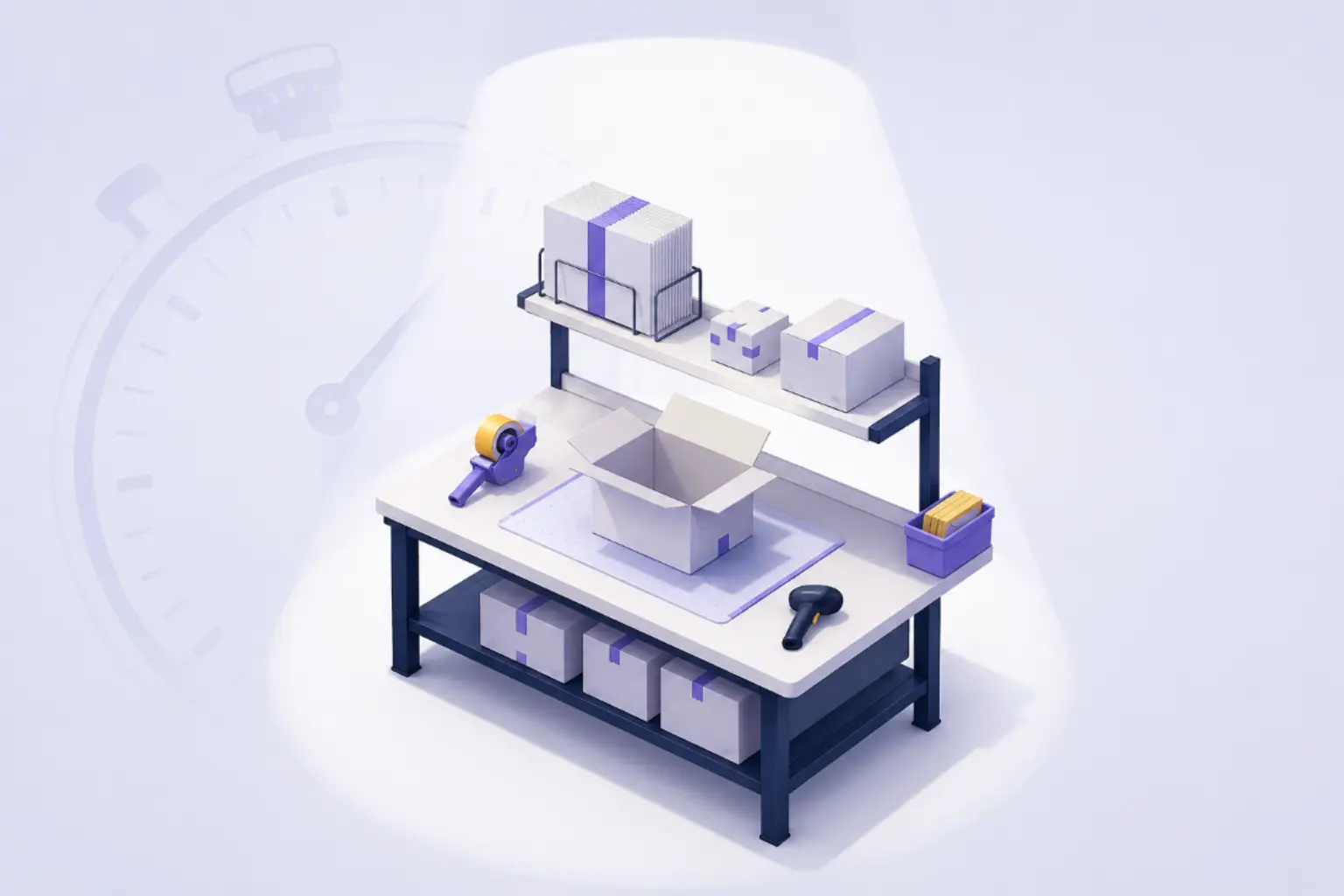
Packing is where the order finally comes together, and a badly designed station is one of the easiest places to lose time and accuracy. It is also where your final quality checkpoints live, so the layout has to support them. Small details matter a lot here.
A few things to get right:
- Everything within arm’s reach. Boxes, tape, void fill, labels, packing slips. If a packer has to step away to grab supplies, that is wasted time every single order.
- Every station set up the same way. Any packer should be able to step into any station and work without reorientation. It also makes training easier.
- Ergonomic basics. Adjustable-height surfaces, anti-fatigue mats, scanners and screens positioned so packers are not craning or reaching. Small investments, big fatigue reduction.
- Good lighting. Packers are reading labels and inspecting items. Bad lighting creates mistakes and eye strain. Bright, even, shadow-free light at the work surface.
Also think about how work flows into and out of the station. Picks in on one side, packed orders out the other, shipping area on the downstream side. Do not create a situation where packed orders have to cross back through inbound work to reach the dock.
Step 6: Zones and visual management
A good warehouse communicates its layout visually so a new hire or a temp can navigate it without much explanation.
Floor markings are the starting point. Painted lines or durable tape to define:
- Walkways vs. forklift lanes
- Staging for inbound and outbound
- Packing station footprints
- Hazard zones around docks and equipment
Color code by zone. Blue for receiving, green for storage, yellow for packing, red for shipping, orange for returns. Pick a palette and use it everywhere: floor, signage, rack labels, bin colors. Consistency is what makes it work.
Signage should be large, clear, and readable from a distance. Label every aisle and every rack section. Overhead hanging signs are worth the money in bigger facilities, where wall signs get blocked by racking.
This is not just about speed. Good visual management is a safety layer. It keeps pedestrians out of forklift paths, defines safe zones near docks, and keeps emergency exits clear. OSHA has specific requirements for aisle marking and clearances that should shape your plan.
Step 7: Test, measure, iterate
Layout is not a one-and-done project. You are going to tweak it forever, and that is fine.
Before a big change, pilot it in one zone. Rearrange one aisle or one section, run it for a week or two, and talk to the people working in it every day. Their feedback is the single most useful signal, because they know the pain points that are invisible from a floor plan.
Track the same warehouse KPIs before and after:
- Lines picked per hour
- Average travel distance per order
- Error rate at pack and ship
- Order cycle time from pick assignment to shipment
- Worker feedback on navigation and physical strain
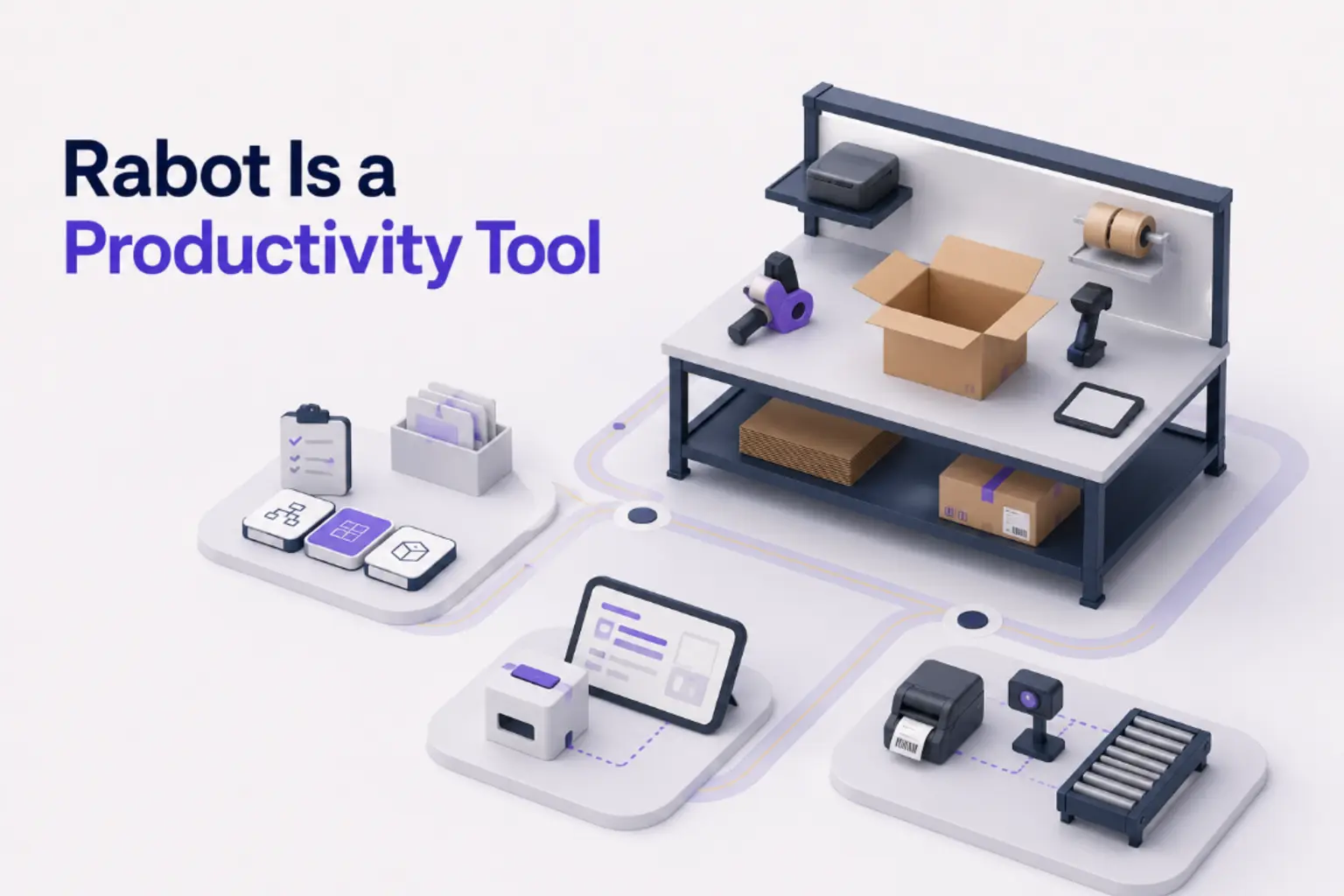
Video analysis tools like Rabot can surface movement patterns and bottlenecks that are hard to catch by walking the floor. Looking at actual pack-station activity and worker paths gives you data instead of guesses for the next round of changes.
Make layout review a standing item in your continuous improvement cadence. Once a quarter, look at slotting data, flow patterns, and worker feedback together. The layout should evolve with the business.
Quick wins you can do this week
You do not need a full redesign to see improvement. A short list of things that cost nothing:
- Re-slot your top 10 SKUs to the best pick locations. Even moving a handful of high-velocity items cuts real travel time.
- Clear aisle obstructions. Walk every aisle and remove anything that does not belong. Misplaced pallets, empty boxes, abandoned equipment.
- Move packing supplies to the point of use. If packers are walking to a central supply area, set up satellites at each station.
- Fix or add zone signage. Clear labels on every aisle and section. Even paper signs on end caps help during onboarding.
- Set up a real outbound staging area so packed orders do not block packing stations or aisles.
- Pull returns processing out of the main fulfillment flow. Returns are unpredictable work and should not compete with outbound for space.
- Spend 15 minutes walking the floor with your team and ask what frustrates them most about the layout. They usually have the best answers already.
Getting started
Warehouse layout is one of the highest-return things you can fix, and most of it is just time and attention. Start by observing, apply these steps, and measure what happens.
The operations that keep getting better are the ones treating layout as a live system, not a drawing that got signed off once and filed away. Build a habit of reviewing it, and the efficiency compounds.
Want to see how your floor is actually performing? Get in touch with the Rabot team and we can show you how video-powered analytics give you the visibility to optimize with real data behind it.