Workflows: You Set the Rules, Rabot Enforces Them
Wrong item scanned. Dunnage missing. Weight does not match the order. On most floors, catching one of these still comes down to someone noticing in time. Rabot already spots them the instant they happen. Now, with Workflows, you can tell Rabot exactly what to do next, and it handles the rest automatically: the alert, the hold, the operator instruction.
The idea is simple. You set the rules. Rabot enforces them.
Why we built it
Rabot’s AI has always been able to see exceptions in real time. What is new is the control: now you can configure all of it yourself, the events to watch for and exactly what happens when each one fires, with no engineering ticket and no waiting on us to build a rule. Detection on its own still leaves a person in the loop, and by the time they read the alert, the order has usually shipped. Workflows connects the detection to the action, so the moment an exception happens, something happens about it.
How it works: when X happens, do Y
A workflow is a rule: a trigger and an action, built in Portal with no code and no ticket to engineering. AI spots the problem, the system responds, and the operator sees what to do next on screen.
Here are workflows teams are running today:
| When this happens | Rabot does this |
|---|---|
| Missing dunnage | Fires a Slack andon alert |
| Wrong box size | Tags the order and fires a Slack andon |
| Wrong item scanned | Holds the order and asks for Slack approval |
| Weight error | Holds the order and asks for Slack approval |
| Undercount detected | Holds the order and asks for Slack approval |
Watch a few of them fire:
Missing dunnage triggers a Slack andon alert at the station.
A wrong item scanned holds the order and requests Slack approval before it can ship.
What you can configure
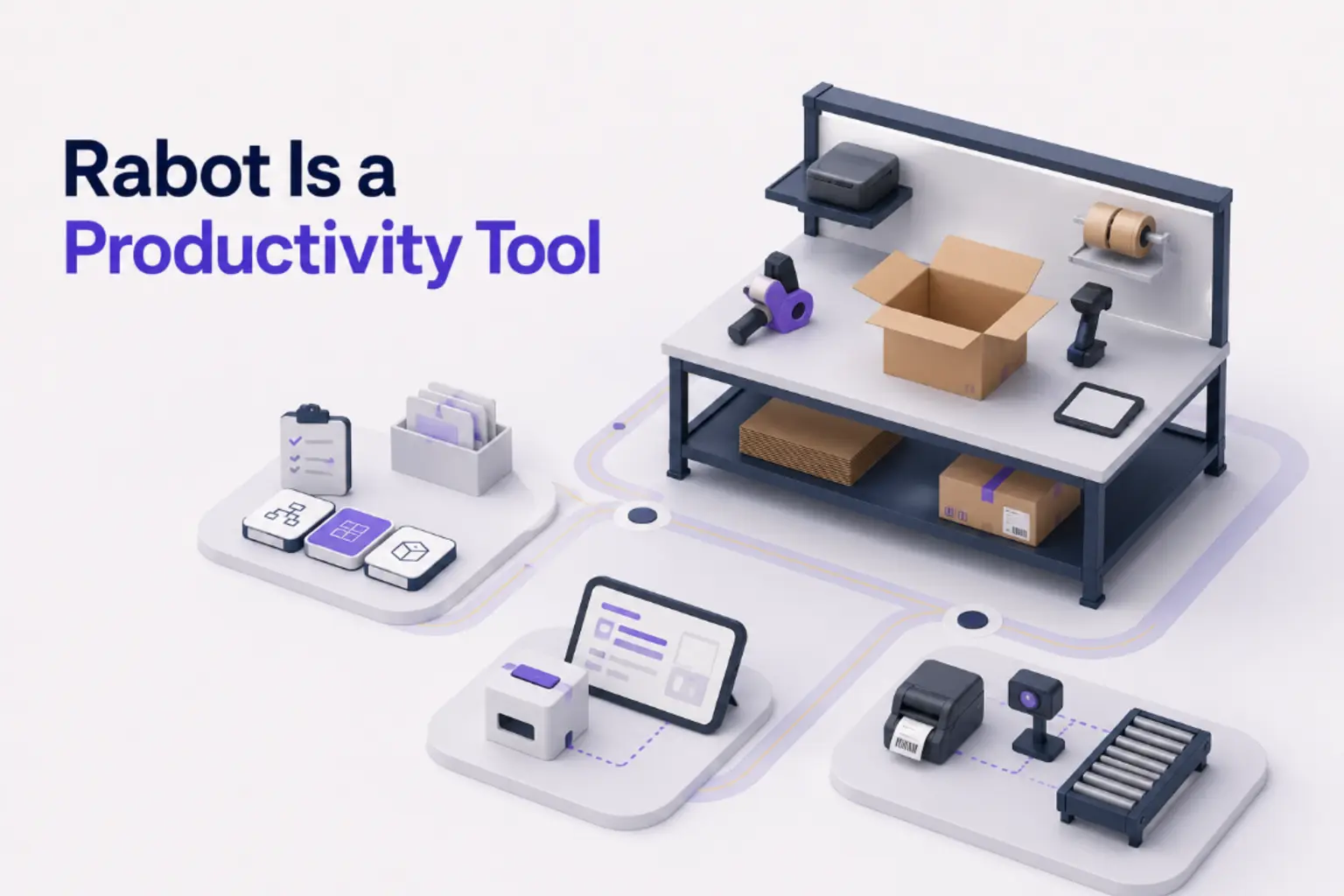
Everything is built visually in Portal. A workflow is a trigger, an optional condition, and one or more actions, wired together with no code.
- Custom triggers. Fire on AI events, scan mismatches, weight checks, item counts, or any sensor signal.
- Multiple action types. Send a Slack or Teams alert, hold the order for approval, tag it for review, or push an SOP straight to the operator’s screen.
- Escalation paths. Route to the right person based on severity, shift, or client.
- Audit trail. Every triggered workflow is logged with the video clip and a timestamp.
- No-code configuration. Build it in Portal. No code, no engineering tickets.
- Connect your own LLM. Plug in Claude, Gemini, ChatGPT, or your own model, and use AI judgment as a trigger, an action, or a decision step in the middle of a workflow.
That last one matters. Most automation makes you reduce a messy floor decision to a rigid if-this-then-that rule. Workflows lets you drop a model into the decision itself, so the rule can reason about the situation instead of just matching a condition.
One system, every station
Workflows run across Pack, Scan, Ship, and Undo, so the same rules protect every step you have deployed. Detection runs on Rabot Edge, faces are blurred automatically, and no raw video leaves the warehouse. Because every action links back to the clip that triggered it, there is always evidence behind the alert, the hold, and the record. It is the same real-time signal behind our Digital Andon, now wired to act on its own.
Availability
Workflows is available now. Book a demo and we will set up a workflow for your warehouse and show you exactly what it catches. You can also explore the Workflows page to watch live examples of each rule firing.
Stop relying on someone noticing the right moment. Set the rule once, and let the floor act on itself.
See it in action. Book a demo to watch Workflows respond to a live event.